Media Sorting: From a Full Card to Final Picks
Back from a shoot with a full card: spread it on the canvas, preview and pick, cut the rejects, partition the keepers into real folders — an afternoon's work in ten minutes.
The scenario
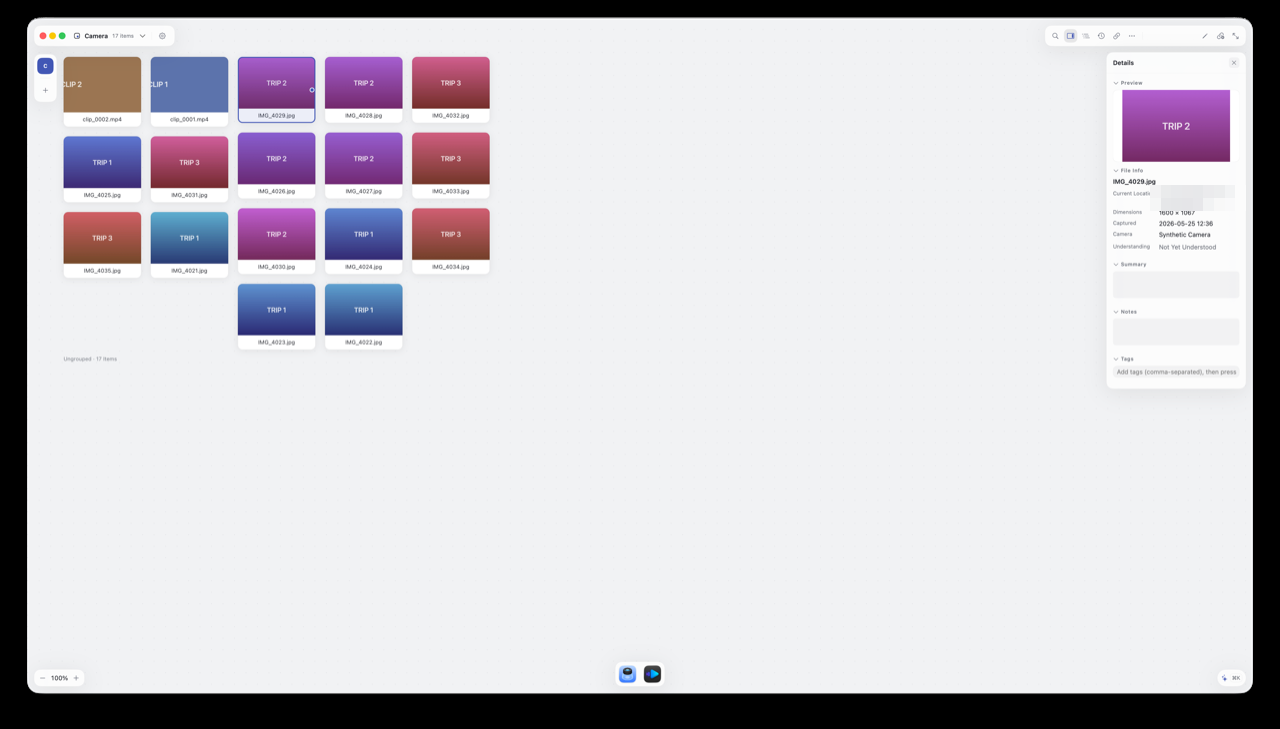
Photographers, video creators, anyone prepping a presentation — every export is dozens or hundreds of IMG_ and clip_ files, keepers mixed with rejects and near-duplicates.
The pain
Picking means bouncing between Finder and Preview; comparing two similar shots means arranging two windows by hand; and once sorted, everything still has to be dragged folder by folder. Most file tools treat audio and video as opaque attachments.
How Alayo does it
- Metadata, extracted automatically: capture time, camera model, clip duration and resolution appear right in the inspector — no need to open anything;
- Preview in place: hit Space to preview; video plays on the canvas itself (only one plays at a time — no two clips blaring at once);
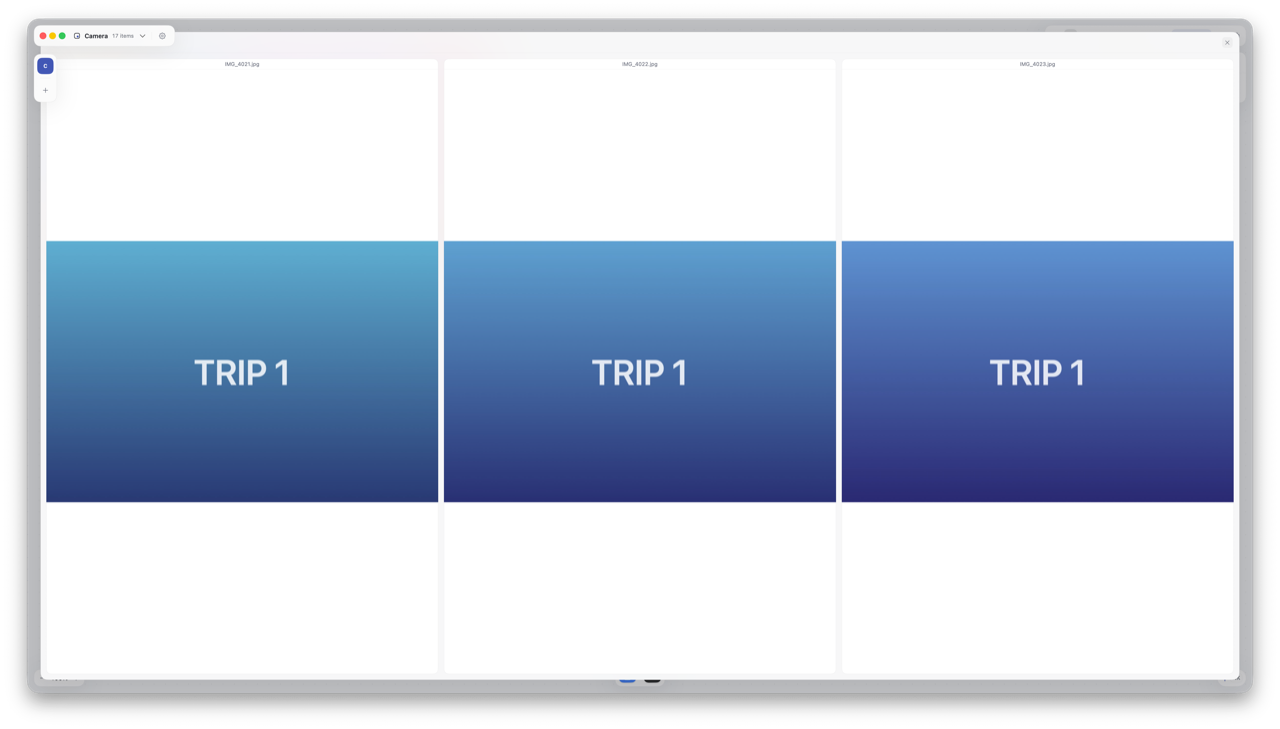
- Compare Side by Side: select a few similar shots, right-click Compare Side by Side, and pick the best in an overlay;
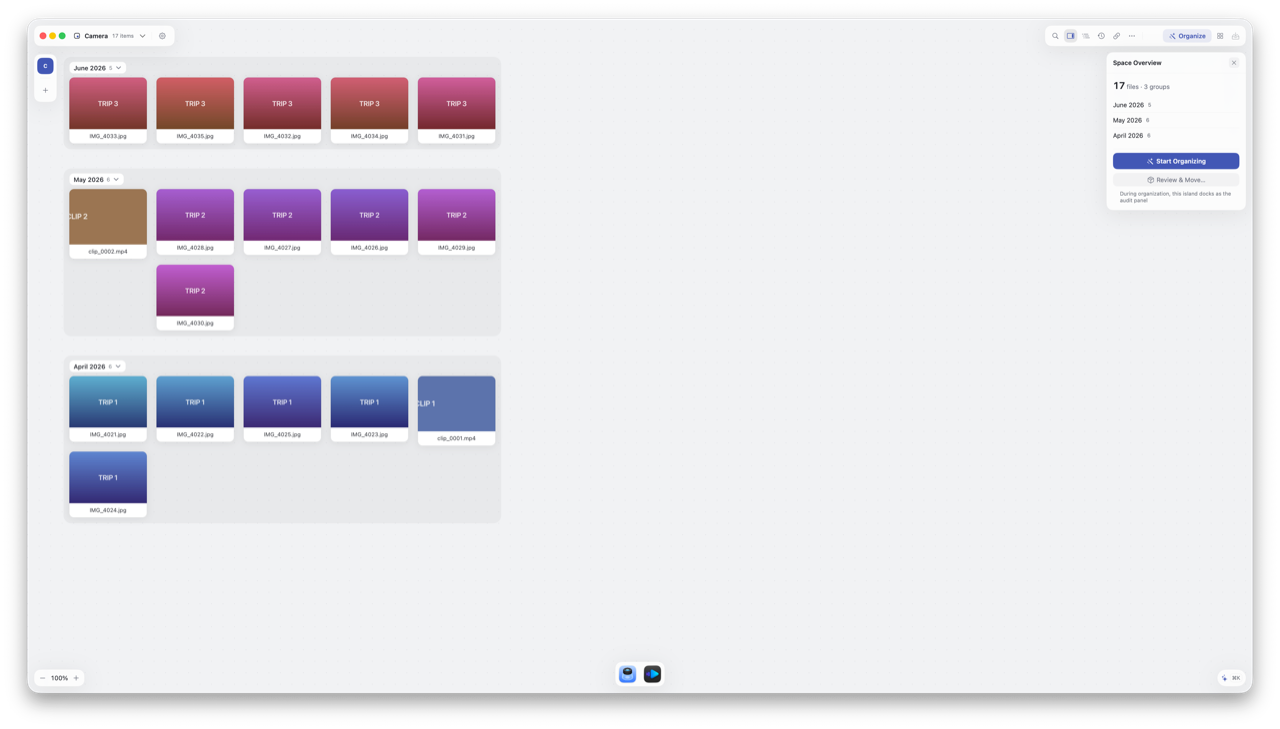
- Partition by Rules: one step to partition by file type or date modified (strictly the file's modification date — for copied or exported media that can be the copy date, not the capture date), then confirm to write real folders to disk.
Picking and grouping on the canvas is all rehearsal — until you confirm in Check File Changes, not a byte of your footage has moved.
Follow along
- Choose your media folder as a source; cards fill the canvas;
- Select any shot — the inspector shows capture time and camera; hit Space for a quick preview;
- Select similar shots and right-click Compare Side by Side to pick; drag rejects together into a "Rejects" group;
- Select the keepers, right-click Partition by Rules → By Date Modified — footage groups itself by month;
- Click Review & Move…, confirm the list in Check File Changes, and apply — your project folder now holds a tidy, real folder structure.
Watch a 30-second demo
Related reading
- Give numbered footage readable names → Batch Rename
- Why the canvas is a rehearsal → Core Concepts